
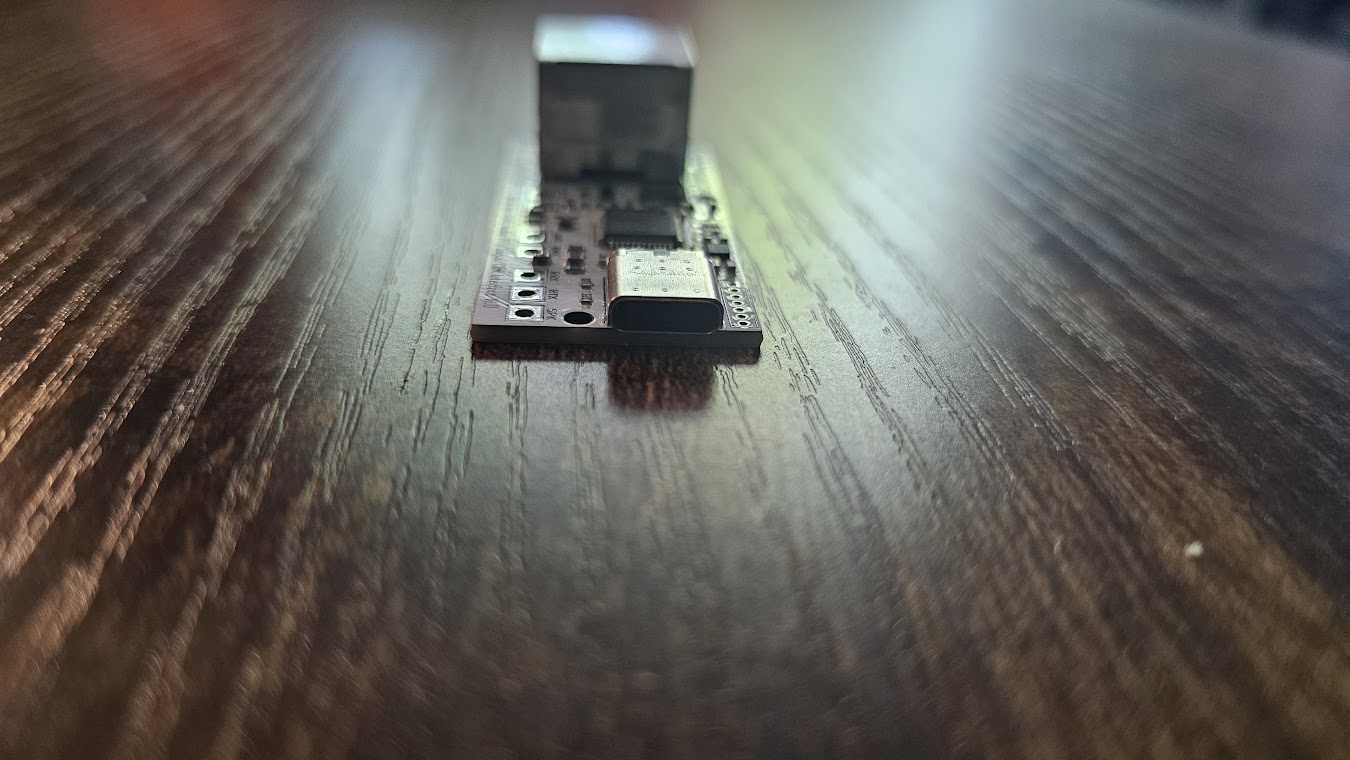
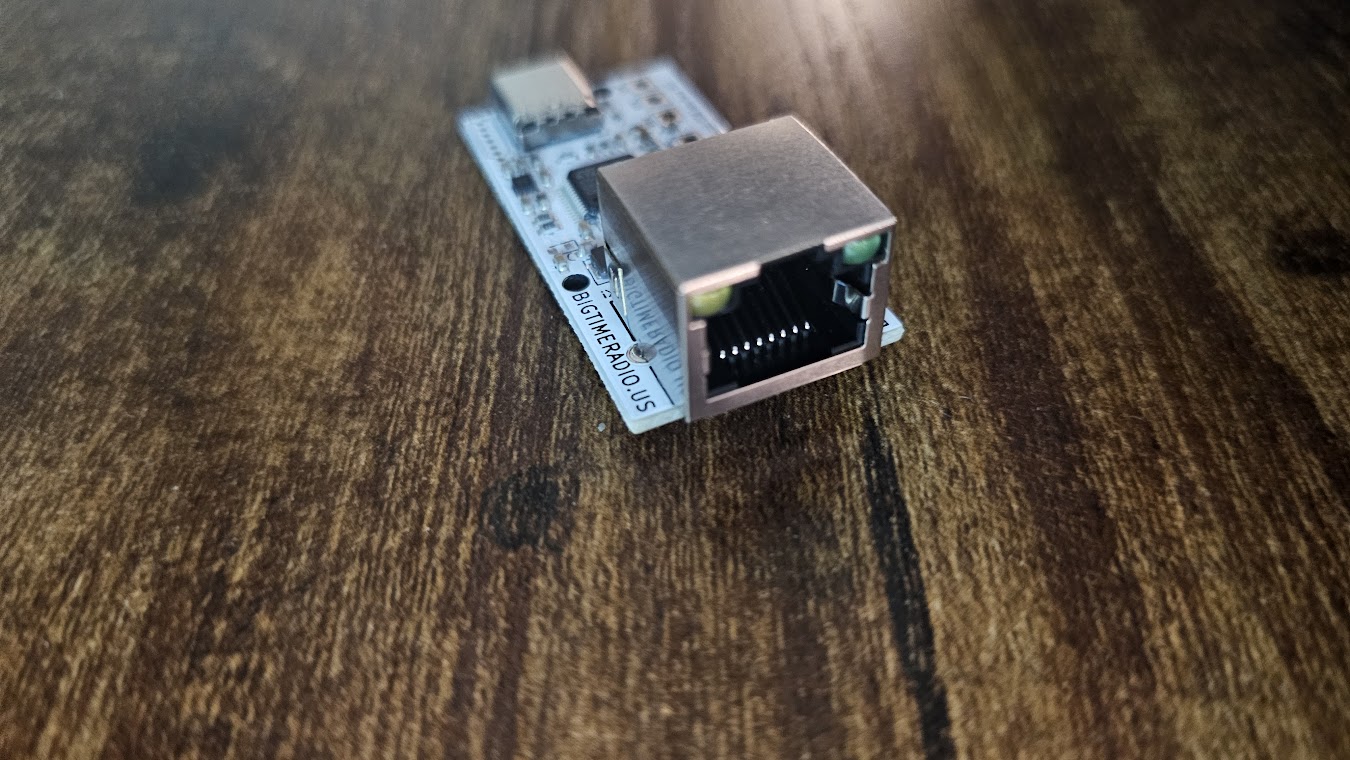
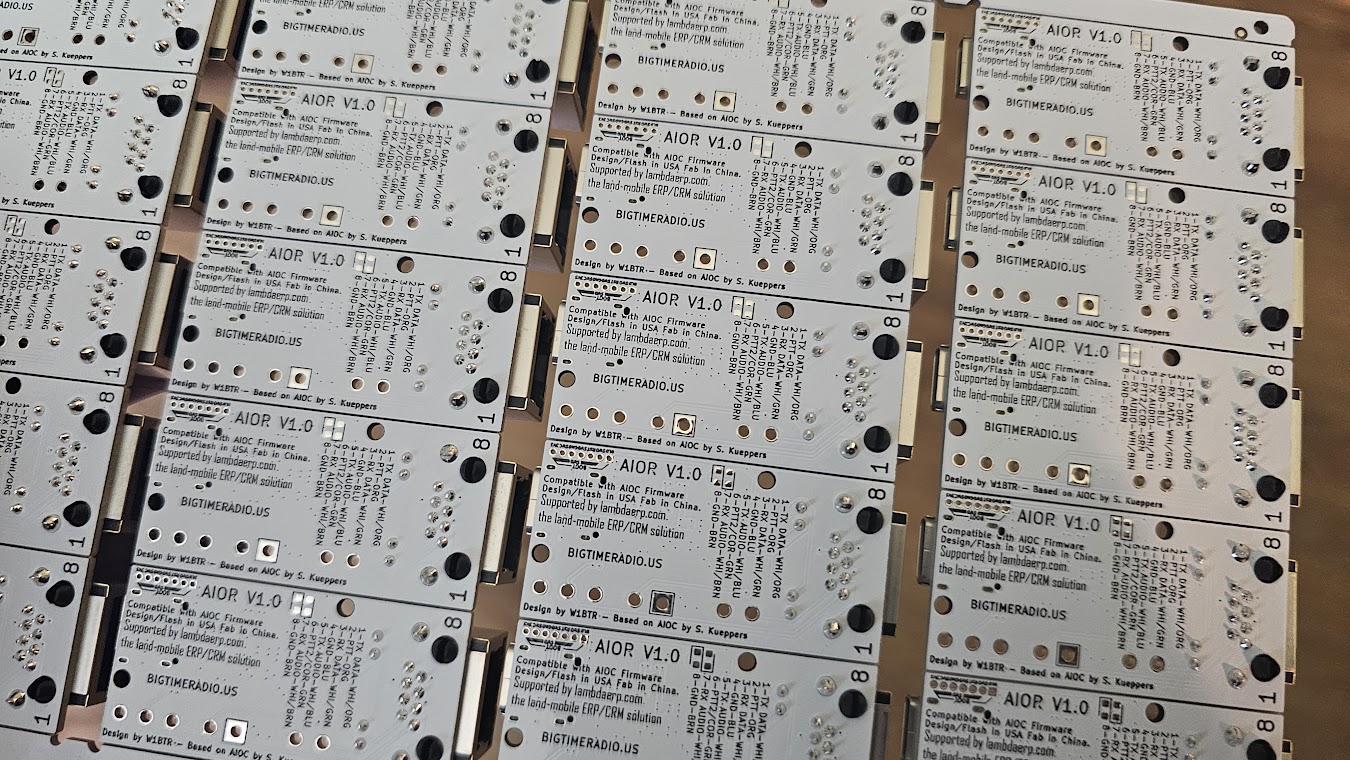
Description
Introducing the AIOR, the latest generation in AIO products by Big Time Radio!
The AIOR is a USB-C interface that allows you to connect your mobile radio (HF, VHF, UHF, SDR, etc) to your computer for digital modes such as FT8, APRS, JS8CALL, Winlink / VARA, FLDigi… well, pretty much any mode you can think of! Additionally, you can program many radios using the built in serial passthrough, run the built-in KISS interface for 1200 baud packet, or even use it as a standalone APRS / Packet Digipeater!
The AIOR V1.0 is a combination of convenient hardware and generational firmware improvements over the AIOB with easier connectivity, simple configuration, and advanced features!
Hardware Changes
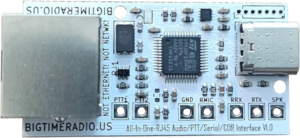
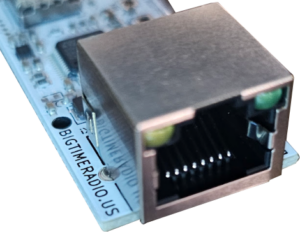
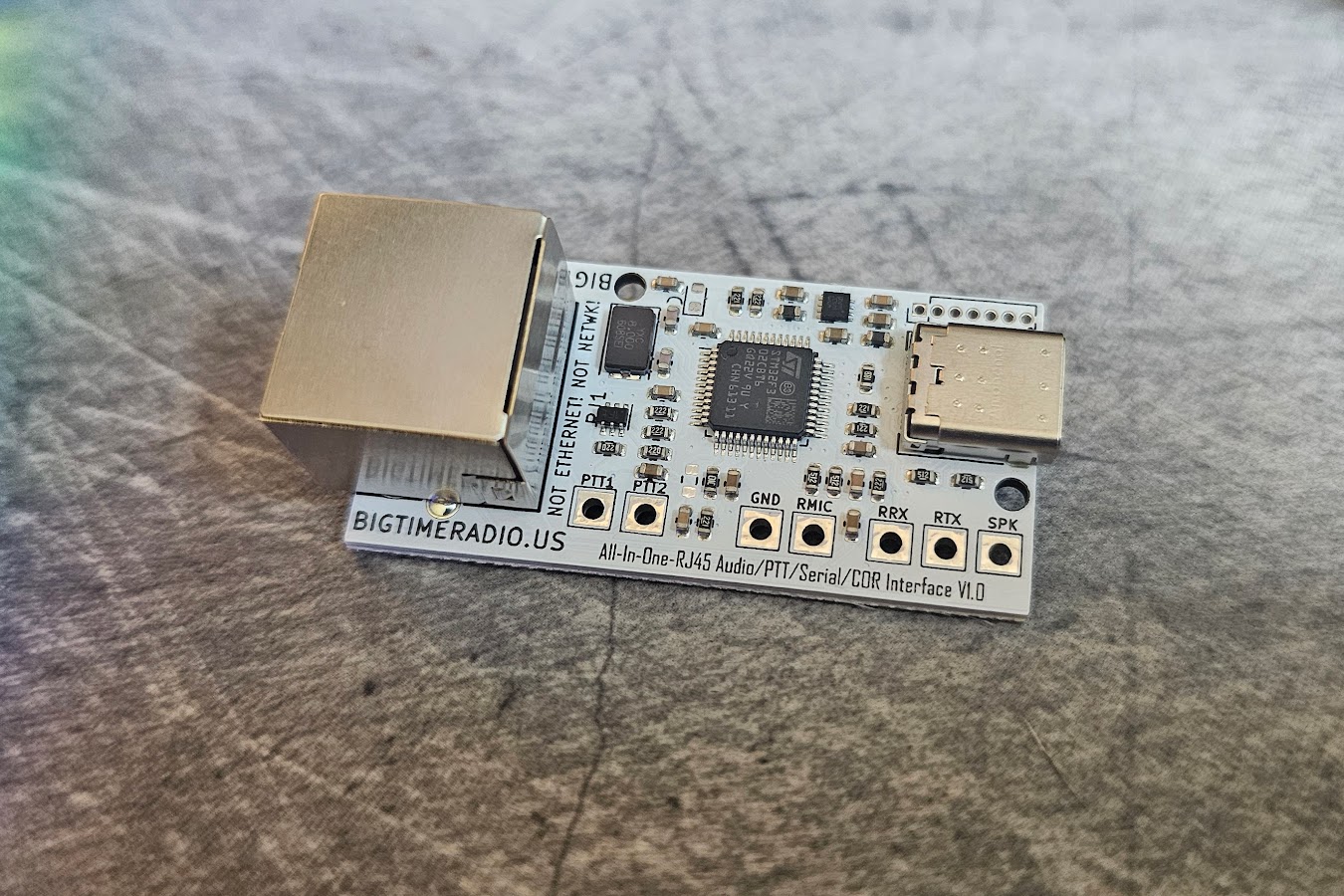
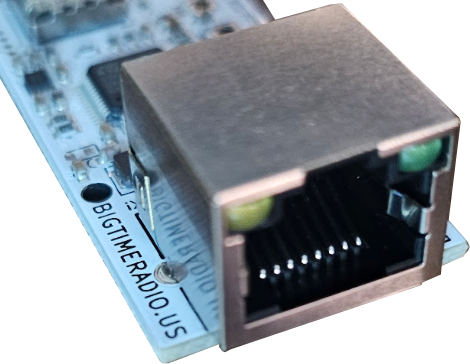
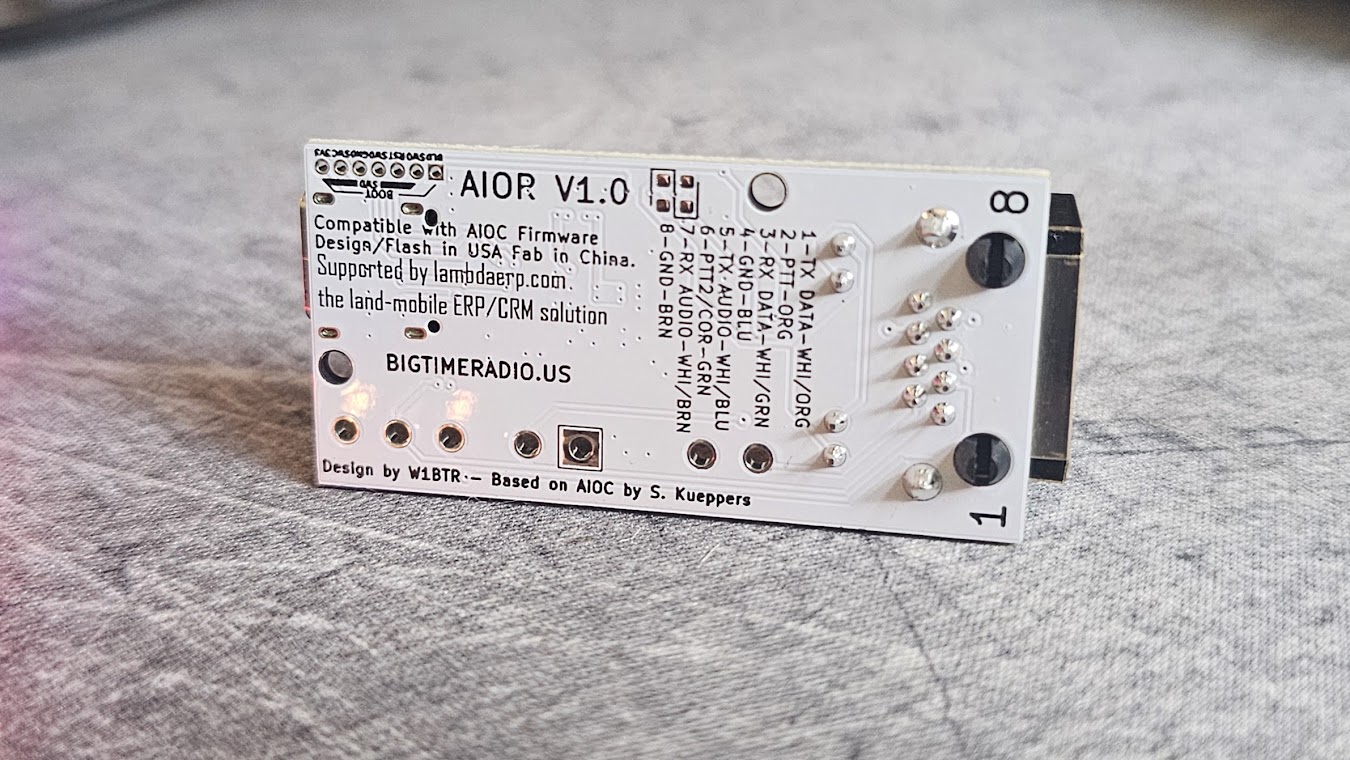
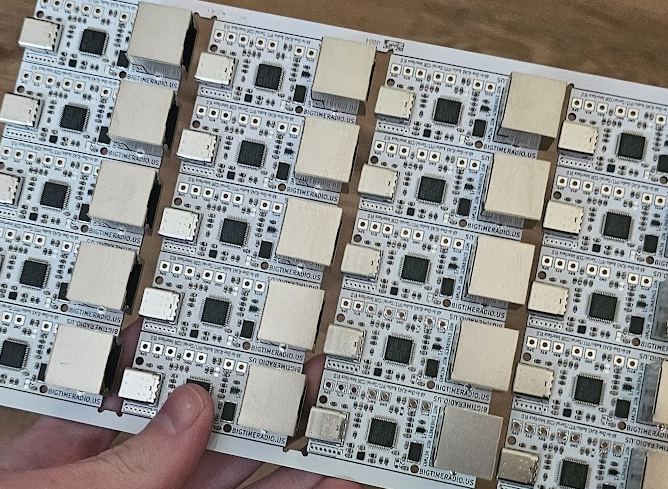
The “R” in “AIOR” stands for “RJ45” – what you might know of as an ethernet jack! This adds a convenient connection method exposing on pins:
- TX Serial Data (from radio to AIOR)
- PTT
- RX Serial Data (from AIOR to radio)
- Ground
- TX Audio
- RX Audio
- Ground (because you can never have too many ground sources)
This saves you tedious soldering allowing you to make custom cables, and also allows you to use the AIOR on multiple radios by simply changing out the cable!
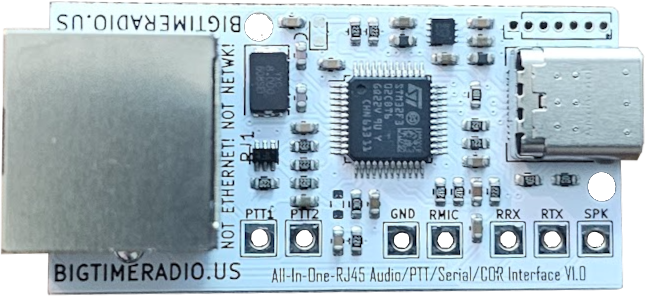
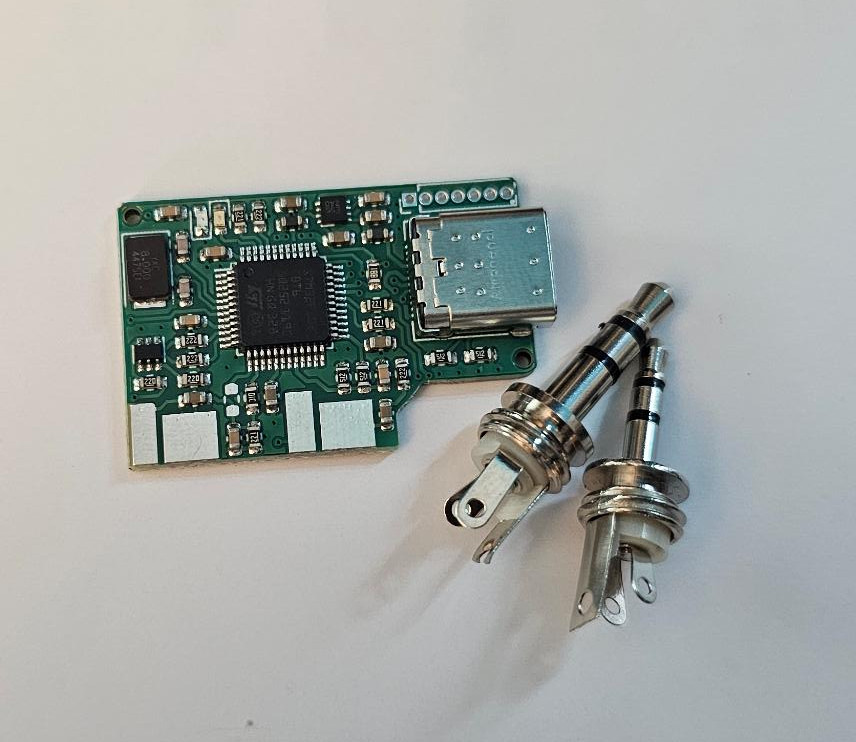
The AIOR remains backward-compatible with the AIOB, offering the same easy through-hole soldering pads, and supports the older firmware, if you wanted to use that for some reason.
Firmware Changes (This is where it gets REALLY exciting)
It can be hard to decide which firmware setup to use when purchasing an AIOB or AIOC. Do you want the automatic vox? Wish the audio level could be boosted a bit? While it was technically possible to change these settings at home, it required a difficult to set up and frankly unstable 32 bit python environment and python coding experience to work with. Well, no longer!
Introducing: TUI config over serial – no python required!
The AIOR has a built in TUI (terminal user interface) that allows you to change settings right from a serial terminal on windows, mac, linux, or even android using putty or a similar tool!
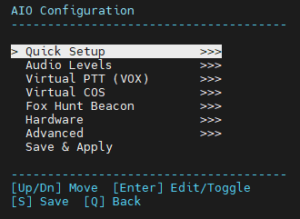
AIOR Firmware Configuration Tree
- Quick Setup
- Standard Mode
- Automatic (VOX)
- AllStarLink (HW COS)
- AllStarLink (V COS)
- Fox Hunt Mode
- Audio Levels
- RX Gain (1x / 2x / 4x / 8x / 16x)
- TX Boost (OFF / ON)
- TX 1Khz Tone Test
- RX Level Meter
- Virtual PTT (VOX)
- Enable
- Threshold
- Timeout (ms)
- Virtual COS
- Threshold
- Timeout (ms)
- Fox Hunt Beacon
- Interval (seconds)
- WPM (5-40)
- Volume
- Message (up to 16 chars)
- Hardware
- HW Version (v1.0 / v1.2+)
- Advanced
- PTT1 Source
- PTT2 Source
- Serial Ctrl
- USB VID (hex)
- USB PID (hex)
- Save & Apply
Quick setup modes:
- Standard: CM108 GPIO3 PTT + Serial DTR/nRTS.
- Automatic: Enables Virtual PTT — keys the radio automatically when audio is present.
- AllStarLink (HW COS): Emulates CM108 (VID 0D8C, PID 000C). Hardware COS input on GPIO.
- AllStarLink (Virtual COS): Same CM108 emulation with Virtual COS (software squelch detect).
- Fox Hunt Mode: CW beacon mode — 30s interval, 20 WPM default. Set your message in the Fox Hunt Beacon menu.
Full KISS Packet Modem / Digipeater BUILT-IN
As awesome and flexible as direwolf and aprsdroid is, needing a host machine or expensive packet TNC to power a digipeater can get kind of annoying. That’s why we worked hard to introduce a new TNC version of the firmware that offers full KISS support for use with APRSDROID, Winlink, PinPoint APRS, and more! Due to RAM constraints, it could not be added to the basic firmware, but it allows you to connect to the AIOR as a TNC, or optionally enable a full digipeater that repeats packets!
KISS TNC Configuration MENU
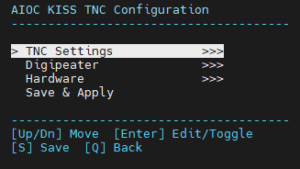
- TNC Settings
- TX Delay
- CSMA Timeout
- DCD Status
- Debug Output
- Digipeater
- Enable
- Callsign (with SSID, e.g. N0CALL-1)
- WIDE1 Alias (toggle)
- WIDE2 Alias (toggle)
- Latitude (decimal or APRS format)
- Longitude (decimal or APRS format)
- Beacon Interval (seconds, 0=off, max 3600)
- APRS Symbol (table+code, e.g. /# for digipeater)
- Hardware
- HW Version (v1.0 / v1.2+)
- Save & Apply
The KISS TNC Firmware also has a built in messaging app for sending and receiving direct APRS messages right from the serial terminal
Coming soon is a firmware upgrade and settings app for windows PC that makes the update process a bit more user friendly, too!

Reviews
There are no reviews yet.